Product Image Rollover
Product Image Rollover
A second image that appears when the customer hovers, plus the multiple image upload and ordering tools that CubeCart’s product screen never had.
The rollover
Nominate any image on a product as its rollover image and it is swapped in whenever the mouse passes over the main image. For clothing that means front and back. For furniture, in situ and cut out. For anything with a lid, open and closed. It is the single cheapest way to answer the question a customer would otherwise have to click through to the product page to answer, and it measurably reduces the number of category page visitors who leave without clicking anything.
Where it appears
- On the category product listing
- On the featured products on the home page
Both are separate settings, so you can run rollovers on category pages only if you prefer a calmer home page.
Better image handling in the admin
The plugin replaces the product image panel with one that lets you upload several images at once, then designate which is the main image, which is the rollover, and the display order of every other image by dragging them into place. Category image sizes can be set to small, medium or large so the listing pulls the right file rather than scaling a large one in the browser.
Skins
Havenswift Hosting skins carry the integration already. For Foundation and skins based on it, the install guide on the plugin’s admin screen gives the exact edits for content.category.php and content.homepage.php.
Requirements
- CubeCart 6, current version 1.7
- Requires the ionCube Loader on your server
- Sold as a yearly, auto-renewing subscription for a single domain: £40.00 for the first year, then £20.00 a year, which is 50% less than the initial price. Ticket support and all software updates are included
Buy Product Image Rollover
£40.00 for the first year, then £20.00 a year
Screenshots
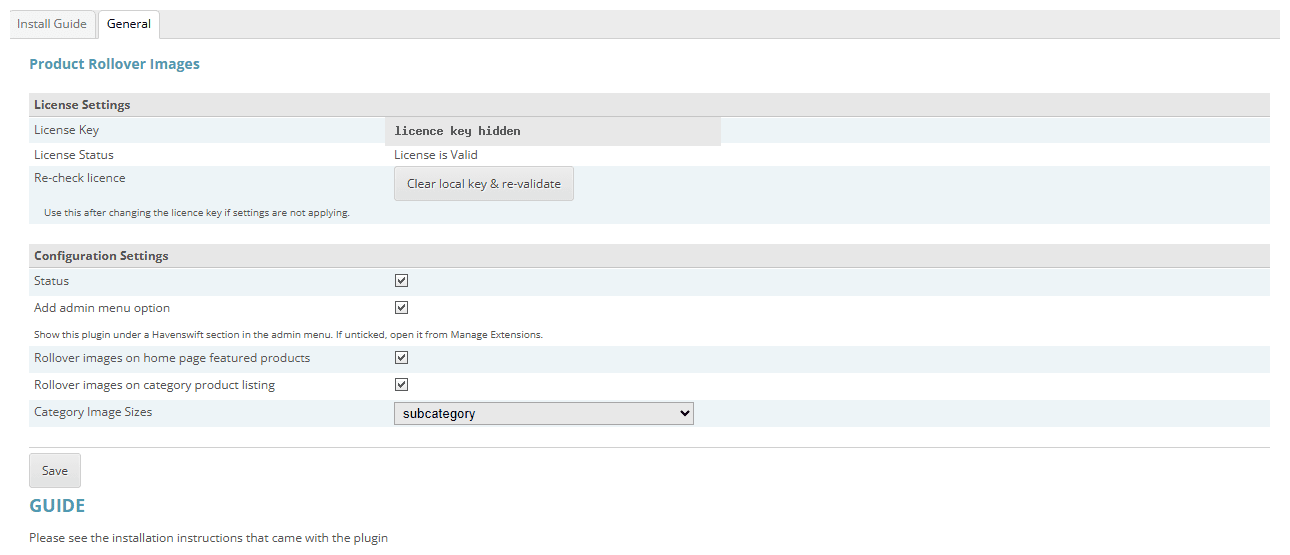
Click for full sized image
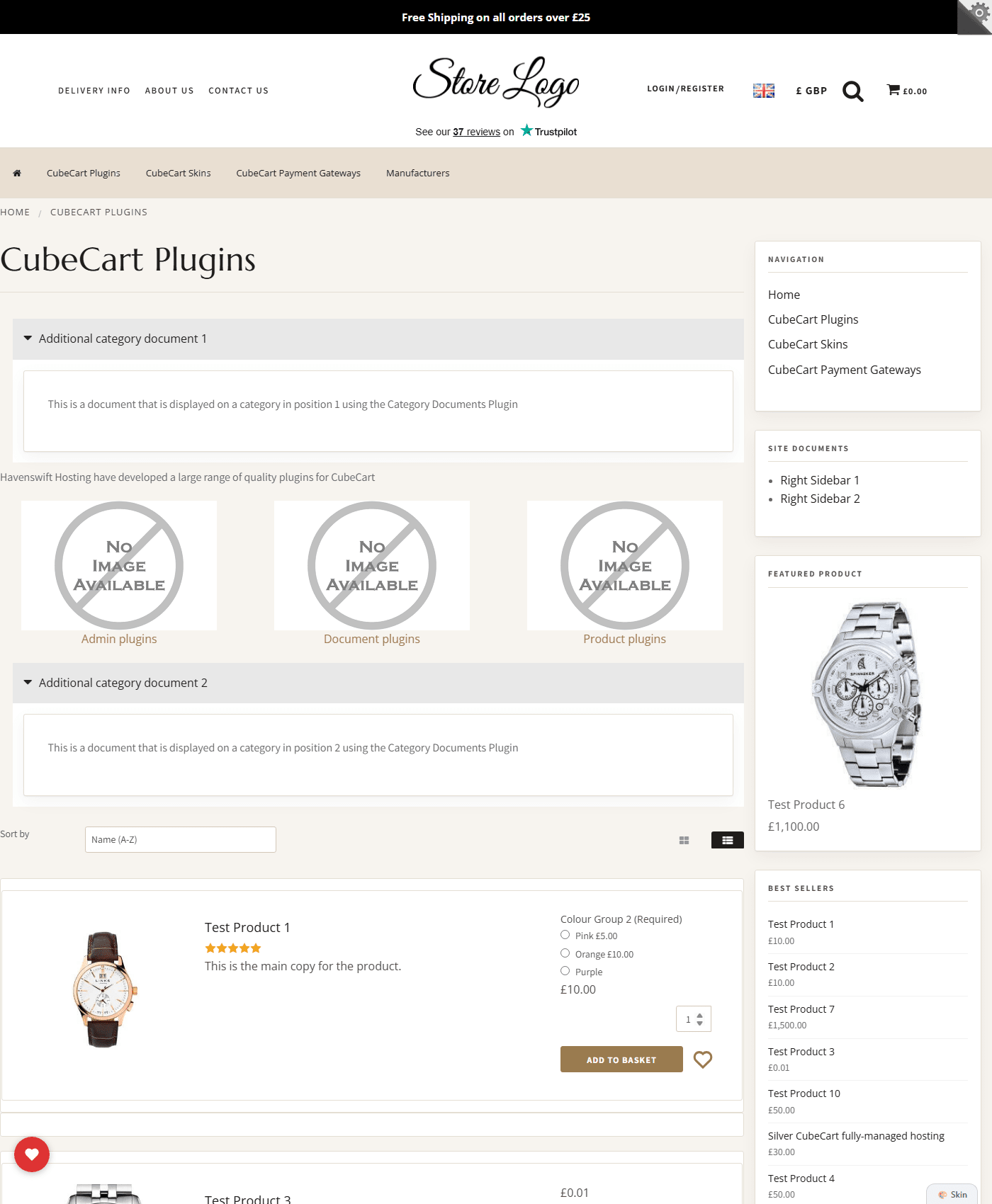
Click for full sized image
Buy Product Image Rollover
£40.00 for the first year, then £20.00 a year
See it working on our CubeCart demo store, or go back to all our CubeCart plugins.
