Group Site Documents
Group Site Documents
Stock CubeCart drops every site document into one list. This plugin lets you decide, per document, where its link appears.
Four positions
Editing a document gains four new checkboxes on the General tab: Top, Bottom, Left and Right. Each maps to a Smarty object your skin can place wherever you like, so a document can appear in a top utility bar, in a sidebar, in the footer, or in more than one of them at once. Contact Us on this demo store is deliberately shown in two positions to demonstrate it.
A proper footer
Documents assigned to the footer can be split across three separate columns, and each column carries its own heading, so you can build the “Legal information / Why shop with us / Helpful guides” layout that customers expect from a real shop rather than a single undifferentiated list of links.
Installing it
The plugin ships with an install guide that walks through the change to box.documents.php in the Foundation skin, with the code ready to paste, and the same pattern applies to the top, left and right areas in whatever part of your skin you want them. On a Havenswift Hosting skin the integration is already there and no template editing is needed.
Requirements
- CubeCart 6, current version 1.6
- Requires the ionCube Loader on your server
- Sold as a yearly, auto-renewing subscription for a single domain: £40.00 for the first year, then £20.00 a year, which is 50% less than the initial price. Ticket support and all software updates are included
Buy Group Site Documents
£40.00 for the first year, then £20.00 a year
Screenshots
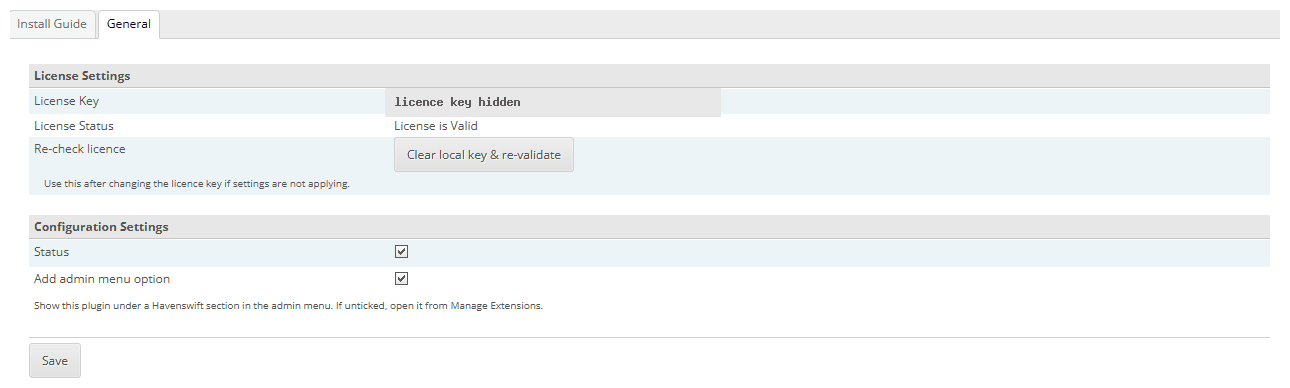
Click for full sized image
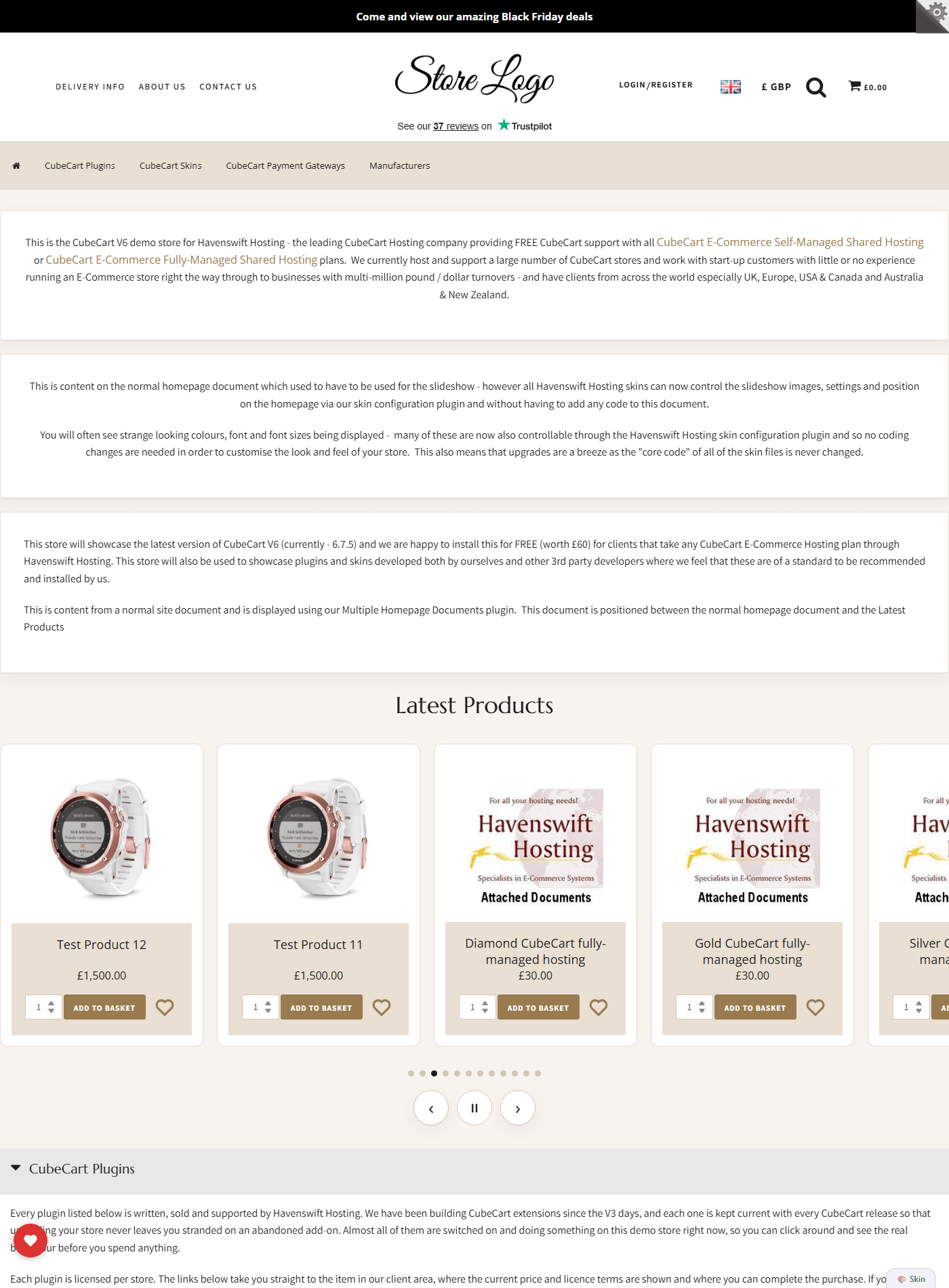
Click for full sized image
Buy Group Site Documents
£40.00 for the first year, then £20.00 a year
See it working on our CubeCart demo store, or go back to all our CubeCart plugins.
