The mechanics differ between providers but the pitfalls are the same everywhere.
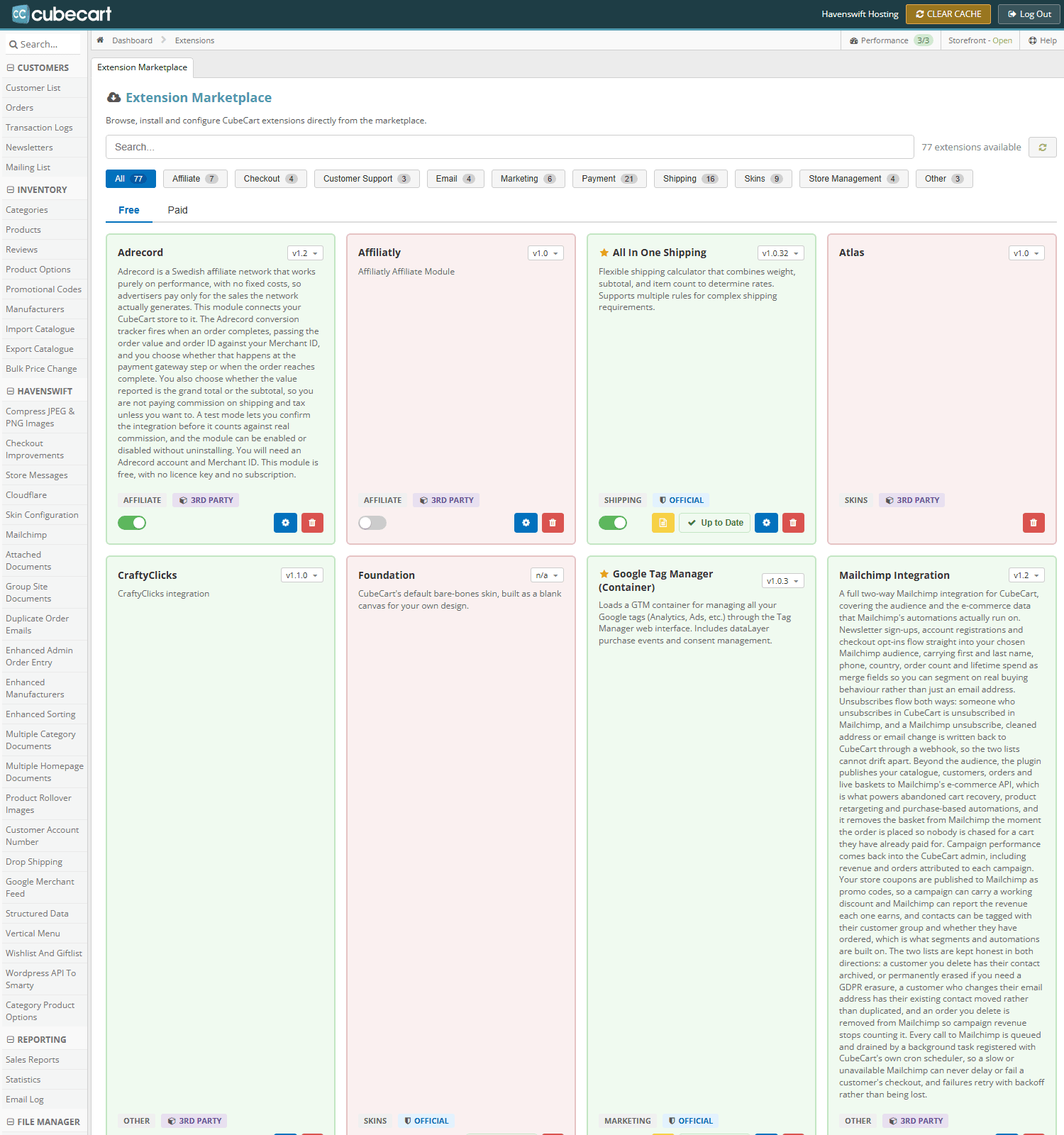
Manage Extensions in CubeCart admin. Payment gateways are listed under the Payment category, each with its own settings
Test mode first
Every gateway has a test or sandbox mode. Use it, place a full test order, and confirm the order reaches the correct status. Only then switch to live – and place one real order with a real card afterwards, then refund it. Test mode does not prove the live credentials work.
The setting people forget
Switching the gateway to live while the shop still holds test credentials, or the other way round. The symptom is payments that appear to work and orders that never complete, or an error at the payment step that names nothing useful.
Callbacks are what actually complete the order
Most gateways confirm payment by sending a message directly to your shop, separately from the customer being returned to it. That message is what moves the order forward. If it is not configured, or points at an old address, orders sit unpaid while money has been taken.
Check the callback or webhook address at the gateway's end whenever you change domain, move server, or install a certificate for the first time.
Things that block callbacks
- Maintenance mode – the gateway gets your holding page instead of the shop
- A security plugin or firewall rule refusing the request
- Password protection on the store
- An http address configured where the site is now https only
Currency
Confirm the gateway account can accept the currency your shop charges in. A mismatch either fails outright or converts at a rate you did not choose.
Keep the logs
Enable the gateway's debug logging while you set it up. When something fails, that log answers in seconds what would otherwise take an afternoon.
