A shop is two things: the files and the database. A backup of one without the other is not a backup, and this catches people out because the files alone look convincingly complete.
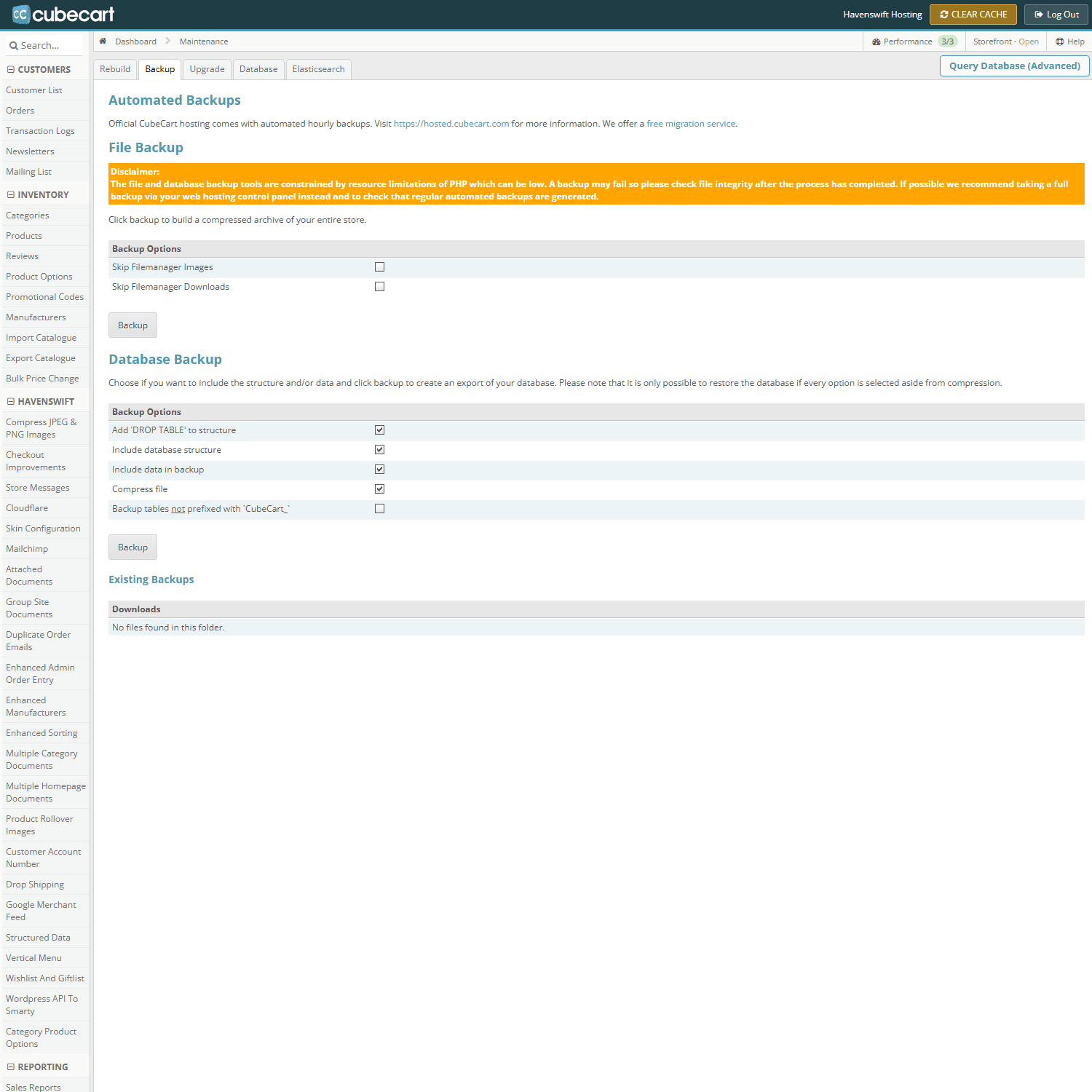
Maintenance, Backup tab. File backup and database backup are separate jobs, and you need both
What you need
- The files – everything under public_html, including your skin, your plugins, and your uploaded product images
- The database – which holds your products, categories, customers, orders and every setting
The easy way
In cPanel, use the Backup tool and take a full account backup. That captures both, plus your email. Download it. A backup that only exists on the account it is backing up will not help you when the problem is the account.
Just the database
For a quick safety net before a settings change, phpMyAdmin will export the database on its own. Choose the database, then Export. Keep the file somewhere sensible with the date in the name.
When to take one
Before upgrading the shop software, before installing or updating any plugin or skin, before editing template files, and before any bulk change to products or prices. All of these are quick to do and painful to undo.
Test that you can read it
An untested backup is a hope, not a plan. At least open the archive and confirm the database file inside it is not empty.
